Several at once.
A small release with one new habit in it. Gather clips the way Finder gathers files — ⇧-click for a run of them, ⌘-click to pick and choose — then drag, paste or delete them as one. Three screenshots dropped on a folder land as three files. The rest is polish you will mostly notice by its absence: an update notice that waits in your history instead of interrupting you, an Intelligence panel that grows into its answer, and text that stays readable on every card.
2 new things. 2 of them in the free app.
All at once
Select Several Clips
⇧-click or ⌘-click to gather clips, then drag, paste, or delete them all at once — three screenshots land as three files.

Screenshot 2026-10-04 at 09.41.12.png
~/Desktop

Screenshot 2026-10-04 at 09.43.05.png
~/Desktop
Can you send me the three screens from this morning? The board, the window, and the boarding pass.
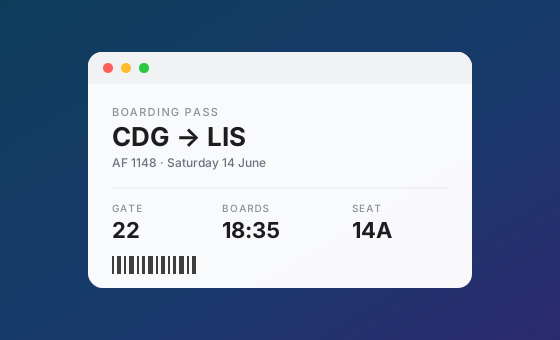
Screenshot 2026-10-04 at 09.52.30.png
~/Desktop
Click a clip, as you always have.Three screenshots to send, and a message in the way.
And the rest
A Round of Refinements
Quiet update notices, a smoother Intelligence panel, tags that select what you can see, and text that is always readable.
PasteMate 1.3 is available
A newer version is on the App Store. Updating takes a moment and keeps your history exactly as it is.
Open App StoreUpdates, mentioned quietly
In your history, never a dialog. Close it and that version stays closed.
Intelligence opens out smoothly
The panel grows into its answer instead of jumping to full size.
Tags select what you see
Choosing a tag selects its first clip.
Old filters clear
After fifteen idle minutes.
Recognized text fits
No more empty box around two lines.
Every clip readable
Light text is checked against its real background.
Everything else in this release.
Most of it you will only notice by its absence.
The free tier keeps your 5 most recent clips, forever.